

BAKERSFIELD, Calif. (KERO) — Many scams reach your phone via fake texts or scam websites.
While smartphones have built-in scam protections, you may not be keeping your phone safe.
Those annoying updates you see. Do you install them? You should!!
Threats targeting phones are real.
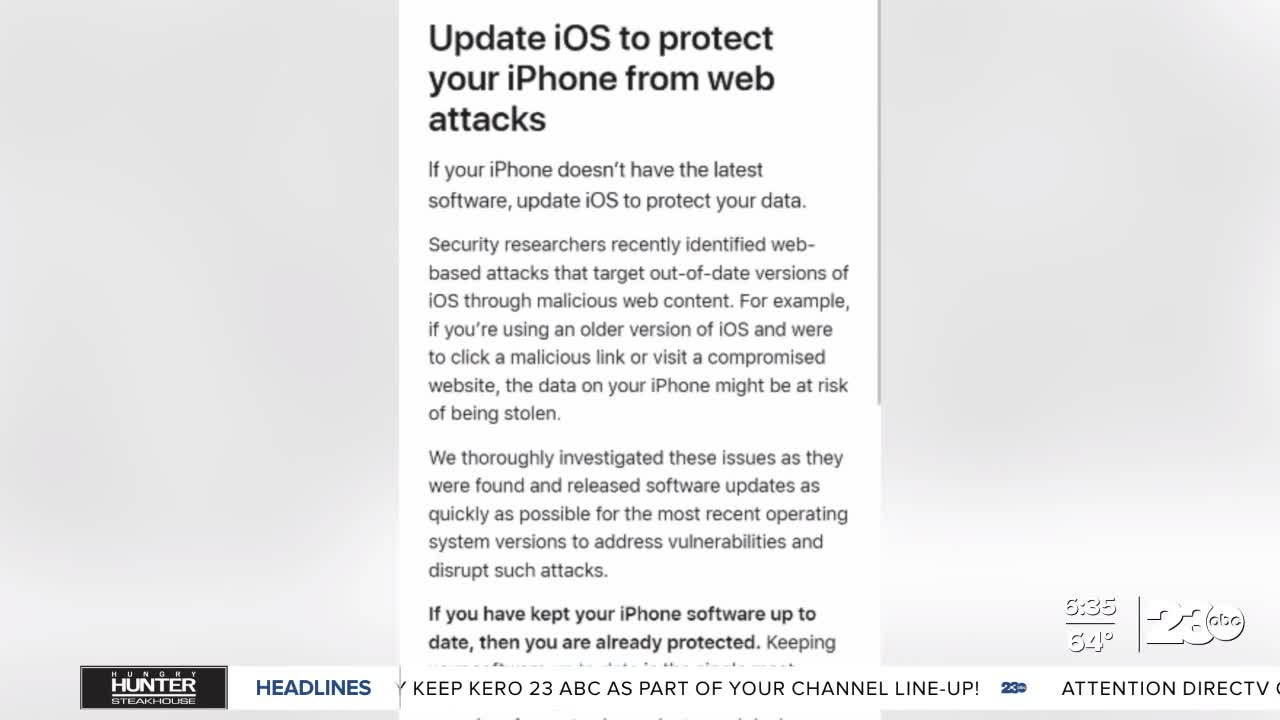
Recently, Apple says they “identified web-based attacks targeting out-of-date versions of the iPhone operating systems.
Click a malicious link or visit a compromised site, and your iPhone's data could be stolen. The fix was included in an update.
Think of what we have stored here… personal photos, financial information, passwords.
All of it could be used against us.
Ransomware attacks are becoming a regular occurrence.
Ransomware attacks are the fastest-growing type of cybercrime. These attacks, which can target individuals or businesses, lock computers and networks using file encryption software, with hackers demanding payment by Bitcoin or other non-traceable cryptocurrency to release the data. The attack typically enters through a phishing email and then spreads to other machines on the same network.
· Enable automatic updates. On all your devices, turn on automatic updates for your operating system, applications, and security software. This ensures that your devices are always running the latest security patches and fixes that protect against vulnerabilities that ransomware attackers might exploit.
· Don’t click on links from unfamiliar sources. Even if you think you know the sender, be cautious about clicking links in emails. When in doubt, delete it. Be especially wary of messages that require you to act quickly, ask for personal information, or threaten you in any way. Read BBB's tips on how to identify fake communications.
· Keep clean machines and stay up-to-date with software. Prevent infections by updating critical software as soon as patches or new operating system versions are available. This includes mobile and other internet-connected devices. You should also always update your web browser(s) when updates are available.
· Use multi-factor authentication, requiring more than a username and password, to access accounts, especially critical networks, to prevent access through stolen or hacked credentials.
· Conduct regular system backups. Systems can be restored in cases of ransomware, and having a current backup of all data speeds the recovery process.
· Make better passwords. In cases where passwords are still used, require long, strong, and unique passwords to better harden accounts against intrusions. Never use the same password for multiple accounts.
· Enable pop-up blockers. Scammers regularly use pop-ups to spread malware. Adjust your browser settings to prevent them from appearing.
More on the latest Apple iPhone attacks and updates:
https://support.apple.com/en-us/126776
Google updates for Android devices:
https://support.google.com/android/answer/7680439?hl=en-GB
Check reviews and complaints for any business on BBB.org.
Keep up with all the latest scams at BBB's Scam Tracker and joeknowsbetter.com