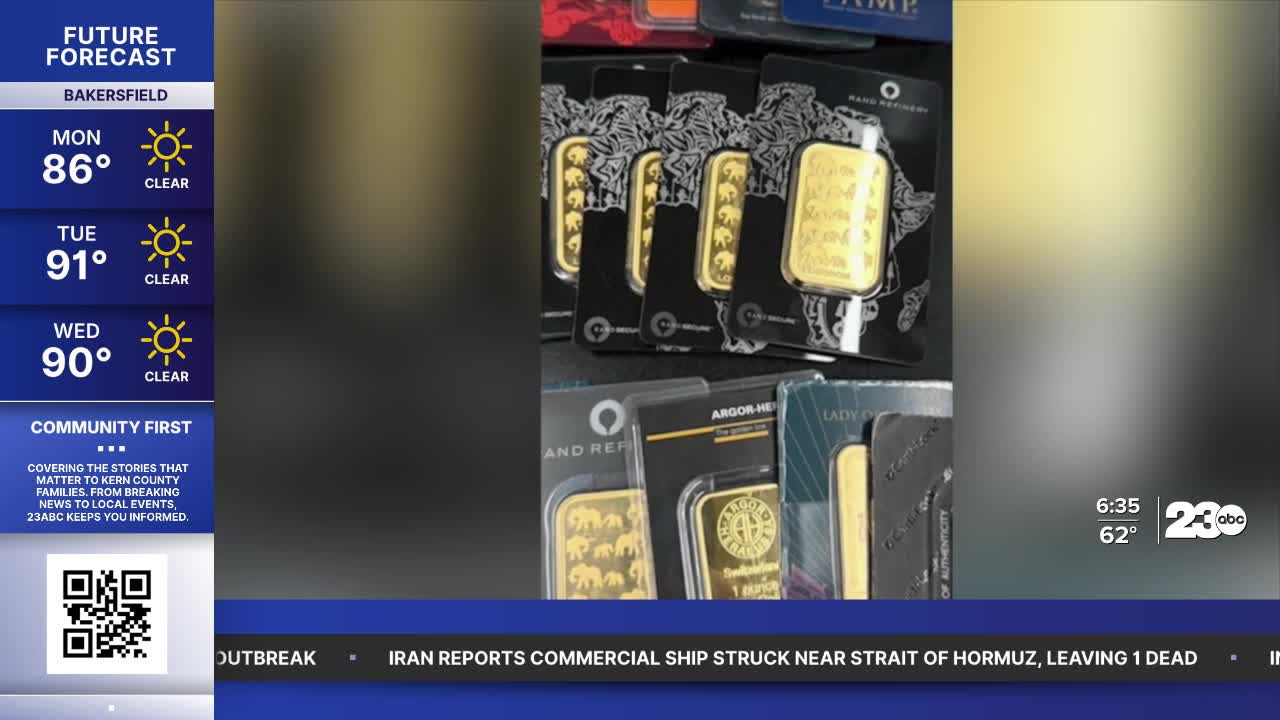


BAKERSFIELD, Calif. (KERO) — The "Gold Bar" Scam: How a Fake Pop-Up Can Wipe Out Your Life Savings
Joe Ducey/Better Business Bureau
You’re told your bank accounts have been hacked.
You must empty them and use that money to buy gold bars as protection.
When the accounts are secure, you can sell the gold bars to get all of your money back and maybe even more.
It’s called the “gold bar” scam and it’s taking millions from people around the country, mostly seniors.
It usually starts like an old computer virus scam.
You get a popup notice about a dangerous virus and you’re urged to a call a number for help.
Scammers are waiting.
BBB ScamTracker shows one woman was told money in her accounts was being used for weapons dealing and she was a suspect.
She needed to empty the accounts, buy gold and hand it over for safe keeping.
If victims are reluctant, scammers have that covered too.
Some Victims get a followup call supposedly from a government agency claiming they are watching, see a scam playing out, and the victim should now only trust them.
Either way, victims are giving gold to couriers thinking it will go in a US Treasury account until their accounts are safe.
Instead, one BBB Scamtracker complaint reports a $700,000 loss, another lost $400,000.
Protect yourself.
No one is watching your computer.
So, Never click on popups or reply. Turn off the computer and restart.
And use Windows Security or a trusted software to routinely scan your computer.
Before trusting any business, check out reviews, complaints and for trusted Accredited Businesses at BBB.org and visit BBB's Scam Tracker.
Check out BBB scam warnings at joeknowsbetter.com
Here’s more BBB advice on computer scams:
A call comes through on the Caller ID, or you get a pop-up on the computer screen from someone claiming to be with tech support from a well-known software company. Microsoft, Comcast, Norton and Dell are all popular choices. The caller creates a sense of urgency—the computer is sending error messages, they've detected a virus, or your computer is about to crash, causing massive data loss!
Rest assured.
The tech support employee can fix the problem, but only if they're allowed to remote access the troubled machine. Once access is granted, the caller will often run a "scan" and claim the computer is infected with viruses.
The caller offers to fix and repair the machine for a fee. That may not be the end of the scam. If you allow remote access, the scammer may install malware on your device. Malware often scans files for personal information, which scammers then use to commit identity theft.
● Never give control of your computer to a third party unless you are absolutely sure it is the representative of a computer support team with whom you initiated contact.
● Legitimate tech support companies don't make unsolicited phone calls. A popular way for thieves to get in touch with victims is through cold calls. The callers often claim to be from a tech company. Scammers can spoof official-looking phone numbers, so don't trust Caller ID.
● Look out for warning screens: Nearly half of tech support scams begin with an alert on the victim's computer screen. This pop-up will have a phone number to call for help. Instead, disconnect from the internet and Wi-Fi by shutting off the device. Restart it and run an antivirus scan.
● Be wary of sponsored links. When searching online for tech support, look out for sponsored ads at the top of the results list. Many of these links lead to businesses that scam consumers.
● Avoid clicking on links in unfamiliar emails. Scammers also use email to reach victims. These messages point consumers to scam websites that launch pop-ups with fake warnings and phone numbers.
If you are a victim of a tech support scam
● Contact the bank immediately to report the incident and describe exactly what happened.
● Take the infected laptop, tablet, mobile device, or computer to a trusted local business and have it checked out.
● Remove any software that authorized remote access to the device.
● Change all passwords used to access bank accounts, social media and other websites that contain personal information.
Follow BBB scams on youtube@bbbpacsw https://www.youtube.com/@bbbpacsw